

Start Vamoos: Your Whole Trip in Your Pocket
Nov 15, 2026 · @Sheila
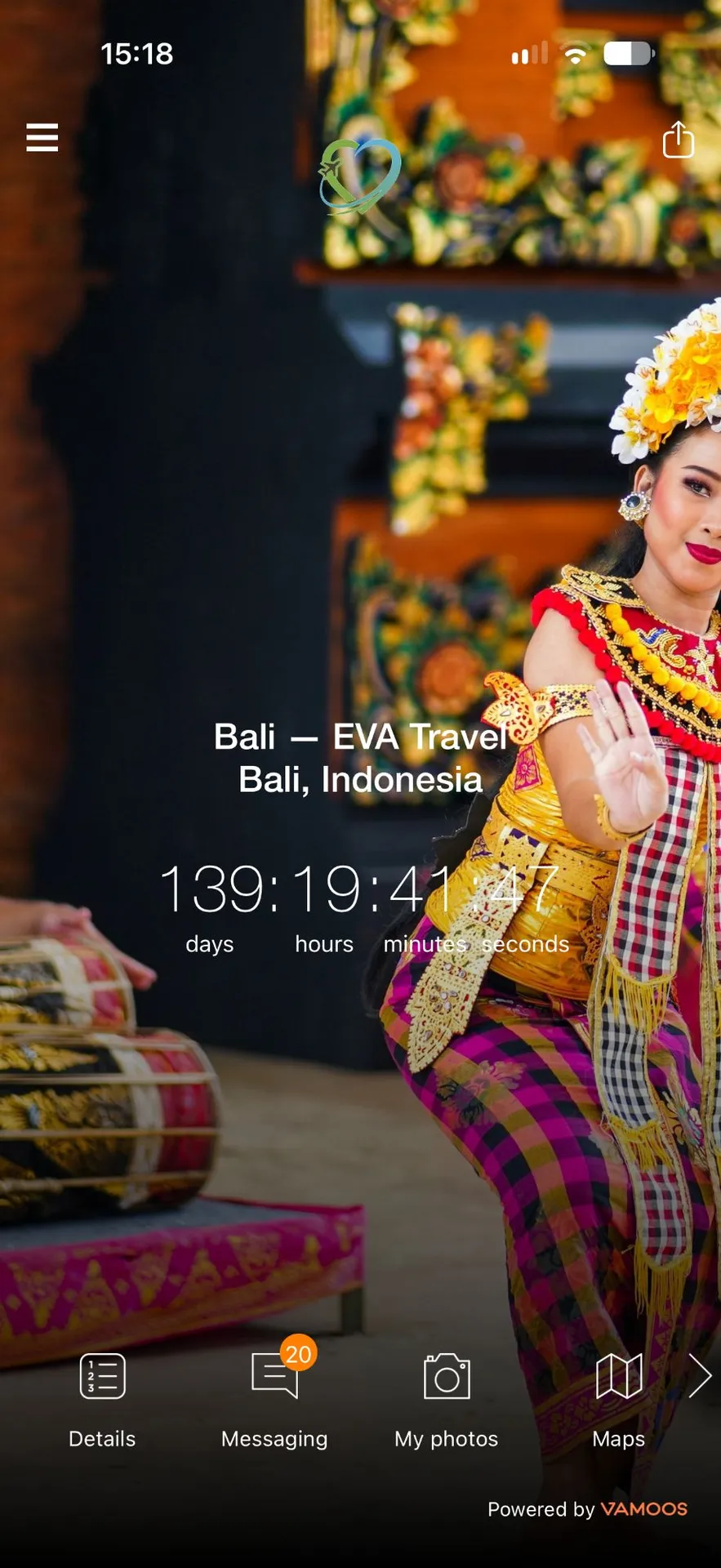 Vamoos is the free, paperless app that holds everything for your EVA trip. Your daily itinerary, documents, maps, packing lists, emergency contacts and much more are all in one place, and they work offline. No more plastic wallets stuffed with printouts. You just open the app.
If you're not a "tech person", don't worry. If you can use your phone, you can use Vamoos.
Please note: The running order of any tour is subject to change, especially due to safety concerns, animal sightings or unexpected closures. Your EVA Host and Tour Guide will keep you informed every day. If something has to be cancelled, we'll replace it with an activity of equal value and merit.
Why we went paperless
Using Vamoos is part of our commitment to sustainability. Every trip we run without printed itineraries and welcome packs means less paper and less waste. Across all our trips, that adds up to thousands of pages not printed each year.
It's the same thinking behind everything we do at EVA Travel. We want to leave the places we visit better than we found them, and that starts before you even pack your bag. It's not an easy task, of course, but every little helps.
Getting started
1. Download Vamoos. It's free on the App Store (iPhone) and Google Play (Android). Search for "Vamoos".
2. Enter your log-in details. You'll find them in the confirmation email you receive when you book your tour. They usually look like this:
o User ID: EVA
o Passcode: EVA-XXX0000
o The passcode is the first three letters of your destination, followed by the month and year of your trip. For example, Borneo in May 2027 would be EVA-BOR0527. Just be mindful that it's a zero, not a letter O.
3. Open the app on Wi-Fi. This downloads your trip so it works offline later.
4. Turn on notifications. That way you'll get any last-minute changes from us straight away.
5. Have a look around. Tap through each section before you go, so nothing is a surprise.
Not using a smartphone? Your trip can also be opened in a web browser. Just ask and we'll send you the details.
What's inside the app
Section | What you'll find |
Itinerary | Each day's plan, including your volunteering sessions, excursions and free time |
Flights | Your arrival and departure airports, with the dates |
Documents | Booking confirmations, your packing list and any forms you need |
Maps and places | Your accommodation, project sites and our favourite local spots. The map works offline, so you can always see where in the world you are! |
Weather | The forecast where you're heading |
Emergency contacts | Our local partners and the EVA team, for when you need help quickly |
Visas | The latest information available to us. We always suggest you check the requirements for your nationality for each destination |
Money | Guidance on local currency and tipping customs |
Health | Advice on mandatory vaccinations and local health issues, such as rabies in certain areas. Always check with your own medical provider before travelling |
Sharing your trip with family
Your family can follow your trip too. You're welcome to share your log-in details with them, so they know where you are each day and how to reach the team if they need to.
It works well alongside a location app like Life360. Vamoos tells them what you're doing, and Life360 tells them where you are. Read more in our post on staying safe as a solo traveller over 50.
Vamoos FAQs
Is the Vamoos app free?
Yes. It's free to download and use for every EVA traveller.
Does Vamoos work without Wi-Fi or mobile data?
Yes. Once you've opened your trip on Wi-Fi, your itinerary, documents and maps are saved on your phone. Live updates, such as activity changes, need a signal.
Do I need a smartphone?
It works best on a smartphone or tablet. Your trip can also be viewed in a web browser.
When will I get my log-in?
We'll email your log-in details as soon as you book your trip.
Can my family see my trip?
Yes. You can share your itinerary with them, so they know what you're doing each day.
Will I still get any paper documents?
No. Everything is in the app as part of our commitment to reducing paper waste. If you need a printed copy of anything, just ask.
What if I get stuck?
Send us a message at sheila@evatravel.org. We're happy to talk you through it, however small the question.
My top tips
• Open the app on Wi-Fi the day before you fly, so the latest version is saved offline.
• Screenshot your emergency contacts as a backup.
• Use the packing list in Documents alongside our packing guide.
Having trouble with technology should never stop anyone from going on a trip, or make it a hassle. Once people get the hang of Vamoos, they love it!